
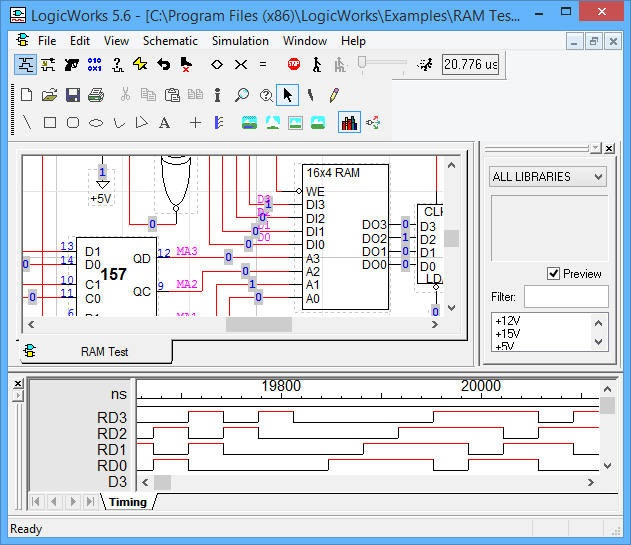
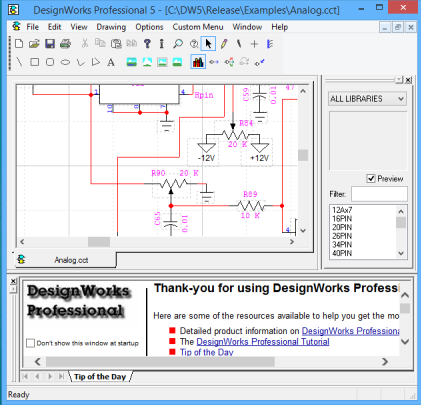
“Our focus is on creating affordable software that allows students and professionals to create schematic designs by way of an intuitive and easy to use interface” – Neil MacKenzie, CEO Digital logic is a complex field that requires not only knowledge and practical experience, but an also excellent understanding of the basics. LogicWorks was designed to act as an interactive circuit design tool that can be used for learning, as well as teaching digital logic. Unlike other similar products, LogicWorks is extremely fast, efficient and reliable and provides you with the opportunity to do tests on screen. Instead of wasting time wiring up… We are happy to help. Please have a look at our blog or email us at support@designworkssolutions.com. All of our products include a “No Questions Asked” money back guarantee. If you are not satisfied just return the product within 30 days of purchase and receive a full refund. Unique in the industry, DesignWorks Professional works the way you do. With its intuitive graphical interface you’ll be completing projects, not reading manuals. The program is designed to minimize the number of mouse clicks and key strokes needed to complete a task. Most common operations, like placing a part or drawing a signal line, require no menu selections and no command typing. The powerful scripting system provides seamless integration.. DesignWorks Solutions Inc. was born from the desire of Capilano Computing, its parent company, to have a dedicated arm focused on the development and sales of DesignWorks and LogicWorks software (for both Windows and Mac). Our flagship product is DesignWorks Professional, the most powerful, easy-to-use schematic capture package on the market. The package is especially attractive to leading edge research facilities, where the ability to customize and add functionality allows the product to adapt to changing requirements.

LogicWorks
More info
PURCHASE

TECHNICAL SUPPORT

30 DAY MONEY BACK GUARENTEE

DesignWorks
OUR Customers
Who we are